
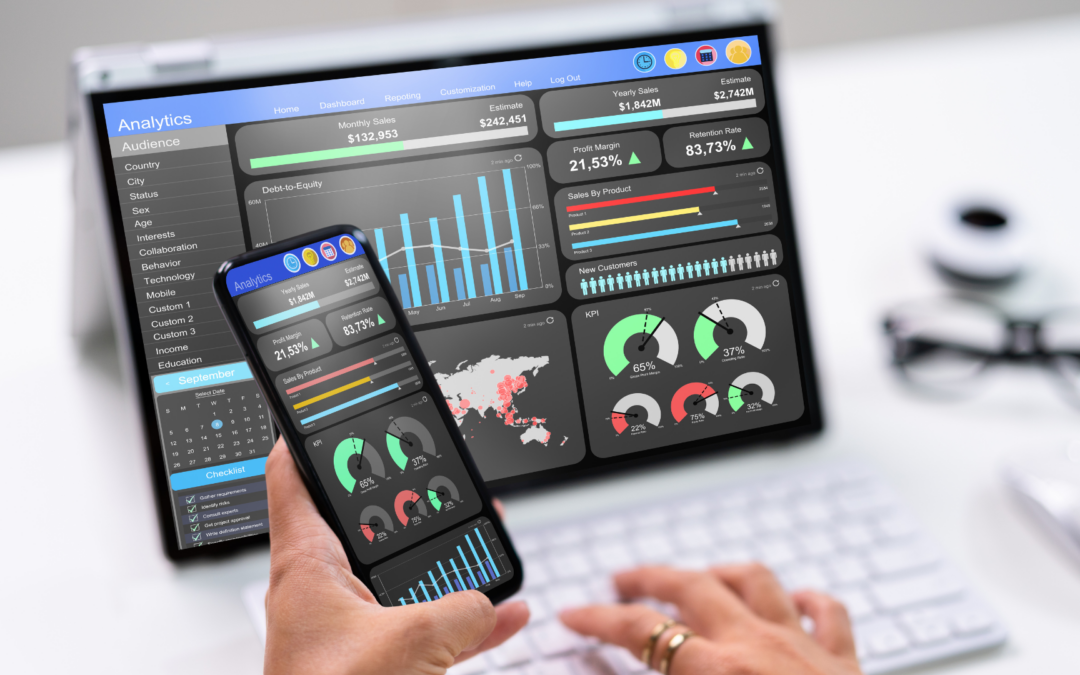
Are you overwhelmed by data but can’t find useful insights? Today, having lots of data isn’t enough. What really matters is turning that data into actions you can take.

It’s tough to sort through all the digital data out there. To make sense of it, you need to create effective dashboards that push you to act. By learning about effective dashboard design, businesses can make better choices and stay competitive. For more tips on making great dashboards, check out these marketing dashboard templates.
Key Takeaways
- Transforming raw data into actionable insights is key for success.
- Good dashboard design helps make smart choices.
- Using data tools can help businesses stay ahead.
- Dashboards should be made for specific roles and focus on what matters.
- Automation and integration are important for managing dashboards well.
The Power of Data Visualization in Marketing
Marketing data is growing fast. Effective data visualization is essential for making sense of it all. It helps us turn big data into useful insights.

Why Visual Data Matters in Decision-Making
Visual data is key in marketing decisions. It makes complex info easy to understand. This has many benefits, like:
- Cognitive Processing Benefits: Our brains process visual info quicker than text.
- Speed of Insight Generation: Interactive visuals let us dive into data fast, speeding up our findings.
The Evolution of Marketing Analytics Dashboards
Marketing analytics has changed a lot. We’ve moved from static reports to interactive dashboards.
From Static Reports to Dynamic Interfaces
Old static reports are being replaced by user-friendly dashboards. These dashboards offer live data analysis and interactive charts. This change lets marketers dive deeper into their data, finding trends that shape their strategies.
The Impact of Real-Time Data Access
Real-time data access has changed marketing. It lets marketers adjust campaigns quickly, improving results. For example, e-commerce marketing strategies benefit from it, adapting fast to what customers want and market trends.
Principles of Effective Marketing Dashboard Design
In digital marketing, a good dashboard connects data to decisions. It’s not random; it needs careful design. We use visual design, data communication, and analytics to make smart choices.
Clarity and Simplicity: Less is More
A messy dashboard confuses users, making insights hard to find. We aim for clarity and simplicity. This means using strategic white space for a clean interface. White space is not empty; it directs the user’s focus.
Strategic Use of White Space
White space organizes content, lowers cognitive load, and boosts readability. It balances text, images, and empty space for a dashboard that’s easy to understand.
Color Psychology in Data Visualization
Colors stir emotions and send messages. In data visualization, the right colors highlight important metrics and differentiate data. A consistent color scheme helps users quickly spot and compare data.
User-Centered Design Approach
User-centered design makes dashboards meet user needs. We understand the audience, their goals, and how they use the dashboard. This way, we create customized analytics for different roles, making the dashboard more useful.
Balancing Data with Actionable Insights
Having lots of data is good, but it’s also key to make it actionable. This balance is key for effective dashboard design. It lets users make quick, informed decisions. Using performance tracking metrics is essential to track progress toward goals.

By following these principles, businesses can make dashboards that offer insights and drive success. The goal is to find a balance between looks, function, and user needs. This turns data into strategic marketing actions.
Essential Components of User-Friendly Dashboards
Creating an effective dashboard is key to getting valuable insights. A good dashboard does more than just show data. It tells a story and shares important messages. At the core of a great dashboard are several key parts that work together.
Strategic KPI Selection and Hierarchy
Choosing the right Key Performance Indicators (KPIs) is vital. It’s important to know the difference between primary and secondary metrics. Primary metrics directly affect business goals, while secondary metrics offer extra context.
Primary vs. Secondary Metrics
It’s important to understand the difference between primary and secondary metrics. For example, in email marketing, the open rate is a primary metric. The click-through rate is a secondary metric that adds more insight into how effective a campaign is. Learn more about effective email marketing strategies here.
Contextual Benchmarks and Goals
Contextual benchmarks and goals give KPIs meaning. For instance, a dashboard might show current sales figures and compare them to historical data or industry averages. This helps users see how they’re doing compared to their goals or industry standards.
| KPI | Current Value | Historical Average | Industry Benchmark |
|---|---|---|---|
| Sales Revenue | $100,000 | $90,000 | $120,000 |
| Email Open Rate | 20% | 18% | 22% |
Interactive Charts That Drive Engagement
Interactive charts make dashboards more engaging. They let users dive deeper into the data, helping them understand insights better.
Drill-Down Capabilities
Drill-down capabilities let users go from broad summaries to detailed views. This is great for digging into trends or anomalies.
Filter and Segmentation Options
Filters and segmentation options let users tailor their data view. This flexibility is key to getting actionable insights from the dashboard.
Customized Analytics Views
Customized analytics views meet the needs of different users. By letting users personalize their dashboards, businesses ensure they’re used effectively across various departments and roles.
For more on why dashboards matter, visit Apollo Technical.
Top Data Visualization Tools for Marketing Professionals
The right data visualization tools empower marketing teams to find valuable insights in their data. There are many options, but the best one depends on the data’s complexity and the business’s needs.
Enterprise-Level Dashboard Solutions
Large organizations need enterprise-level dashboard solutions for deep analytics. These tools handle big data and offer advanced features for visualizing and analyzing it.
Tableau, Power BI, and Looker Comparisons
Tableau, Power BI, and Looker are top choices for their strong data visualization and analytics. Here’s a look at their main features:
| Tool | Key Features | Integration Capabilities |
|---|---|---|
| Tableau | Advanced data visualization, interactive dashboards | Various data sources, cloud services |
| Power BI | Business analytics, data modeling, reporting | Microsoft products, other data sources |
| Looker | Data modeling, business intelligence, embedded analytics | Various data platforms, cloud services |
Budget-Friendly Alternatives for Small Businesses
Small businesses or those on a tight budget have affordable options for data visualization. Advertising dashboards are great for tracking marketing performance.
Google Data Studio and Open-Source Options
Google Data Studio is free and lets users make interactive, web-based visualizations. Open-source tools like Grafana and Redash offer customizable, budget-friendly solutions.
Integration Capabilities with Marketing Platforms
Good data visualization tools should work well with marketing platforms. This includes CRM systems, analytics tools, and ad platforms. It helps get a clear view of marketing performance and customer interactions.
CRM, Analytics, and Advertising Platform Connections
When picking a data visualization tool, look at its integration with marketing platforms. Tools with pre-built connectors or APIs make combining data easier.
Knowing the strengths and weaknesses of different tools helps marketing pros make smart choices. This drives their marketing strategies forward.

Implementing Performance Tracking Metrics in Marketing Dashboard Design
The key to unlocking marketing insights is using performance tracking metrics in dashboard design. We should design dashboards that follow the users’ natural curiosity and logical line of questioning.
A clear visual hierarchy in the dashboard helps the audience navigate. Experts say, “Dashboards should tell a story with data, making complex information easy to understand at a glance.” Learn more about creating effective marketing.
Real-Time vs. Historical Data Display Strategies
We have two main data display options: real-time and historical. Real-time data gives us up-to-the-minute insights. Historical data shows trends and patterns over time.
When to Use Each Approach
We use real-time data for ongoing campaigns or immediate changes. Historical data is best for analyzing long-term trends and making strategic decisions.
Dashboard Template Designs for Different Marketing Functions
Different marketing functions need tailored dashboard designs. For example, social media dashboards focus on engagement metrics. SEO dashboards track keyword rankings and organic traffic.
Social Media, SEO, and Paid Advertising Templates
We can create customized templates for various marketing channels. A social media template might include follower growth and engagement rates. An SEO template could track keyword rankings and backlinks.
Mobile-Friendly Dashboard Considerations
With more mobile device use, our dashboards must be mobile-friendly. We use responsive design elements that adjust to different screen sizes and orientations.
Responsive Design Elements
To make a mobile-friendly dashboard, we use flexible grids, images, and media queries. This ensures our dashboard looks great and works well on any device. For more information on optimizing your marketing strategy, contact us today.
Conclusion: Transforming Data into Strategic Marketing Actions
Building dashboards that inspire action is key for marketing success. By using effective design, adding essential parts, and the right tools, data turns into action. This helps businesses grow.
Data is very valuable. Mixing analytics with creative plans leads to quick, smart results. At Zen9 Marketing, we stress how important data-driven marketing is.
Creating dashboards that are easy to use and tailored to your needs is vital. By following these tips, your dashboards will become more useful. This will boost your marketing efforts.